

U-SYNC 2.0: your hardware, locked to your DAW
One USB cable between your computer and Nome II, and your gear follows the DAW's tempo, play and stop. Every take lands on the grid. Now on macOS and Windows.
What's new in U-SYNC 2.0
-
Windows and macOS
U-SYNC 2.0 runs on both operating systems, with the same plugin and the same workflow.
-
Reason support
Reason joins the supported DAWs, with bi-directional control: set the tempo in Reason or on the Nome, and the other follows.
-
Latency auto-detect
Record your hardware once and play the take back through the plugin. U-SYNC measures your setup's delay and sets the compensation.
-
One value for all sessions
Measure your latency once and save it in your templates to reuse. Unless you change your setup, your latency is accounted for.
-
Simpler to set up
New installers, no background process to keep running, a new plugin interface and help built into the plugin.

You decide where the first beat is
Focus on getting the perfect take musically, not technically. U-SYNC locks the timing of your DAW and gear through the Nome to make sure your recordings land on the grid every time.
No more sequencers, drum machines, or synths starting a bit early, a lot later, or whenever they want to. Take some admin out of the recording sessions:
See U-SYNC 2.0 in action
A steadier clock than your DAW's own
A DAW's MIDI clock is generated in software and sent through drivers and interfaces, so its ticks arrive unevenly. With U-SYNC, your hardware follows the Nome's clock instead.
-
Under 0.05 µs jitter
Median RMS jitter with U-SYNC 2.0 and Nome II
-
Around 20,000× lower than your DAW's own MIDI clock
Median RMS jitter across DAWs tested with U-SYNC on Mac and Windows, against the DAW's MIDI clock through a USB audio interface. One audio sample at 48 kHz lasts 20.8 µs.

1, 2, Sync
A Nome II, a USB cable and U-SYNC. No spare audio output, no audio sync track.

Auto-detect and presets
Auto-detect measures your setup's latency from one take. Save it as a preset and it's there in every session.

Your whole rig follows the same countdown
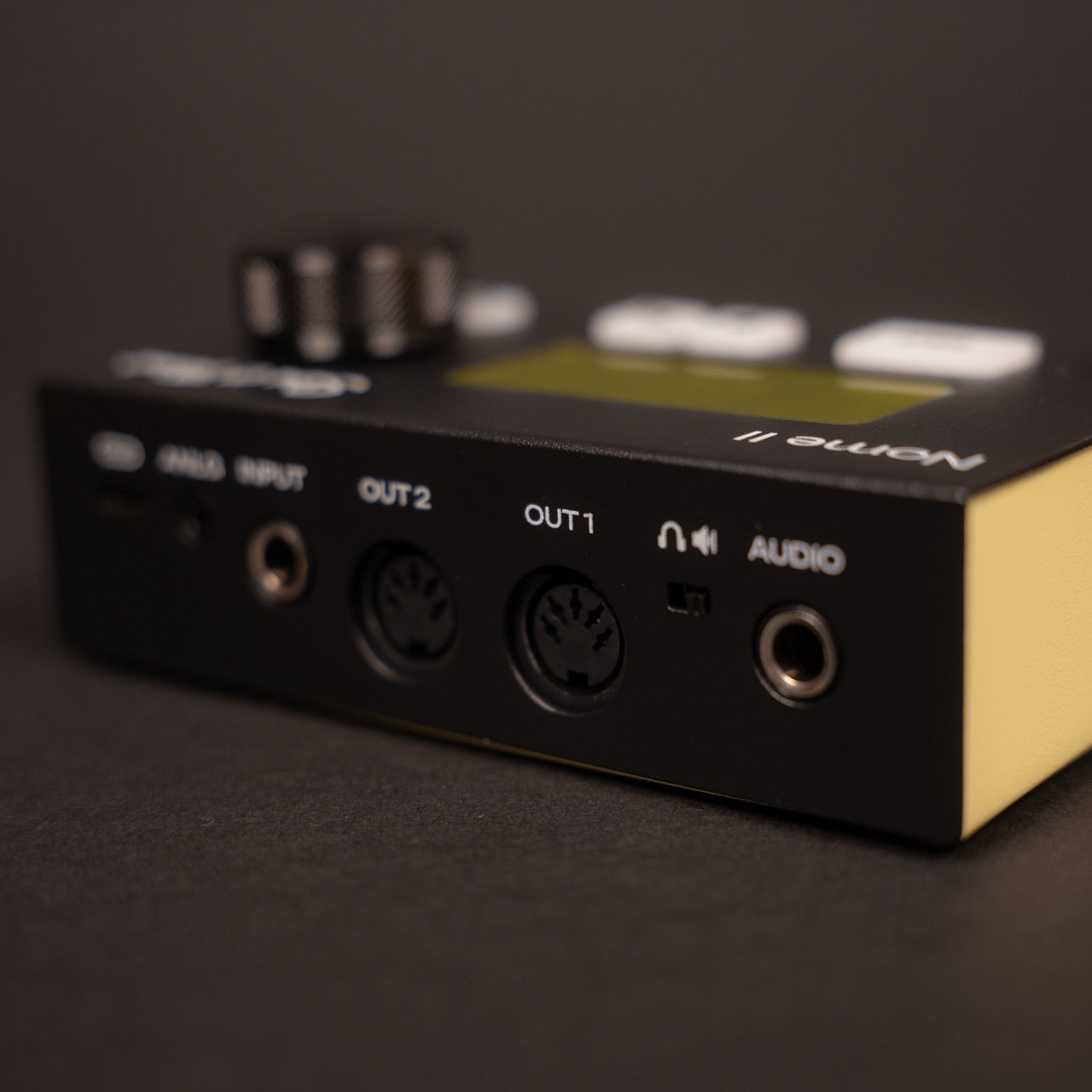
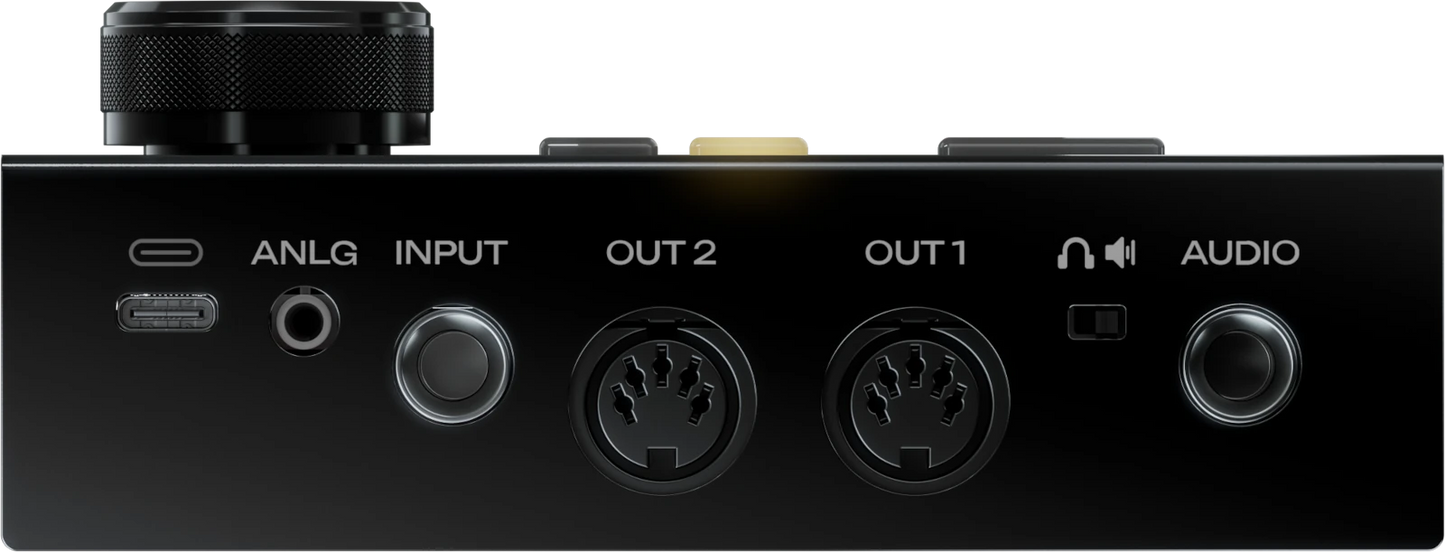
MIDI clock to your MPC, DIN Sync to a TR-606, analog clock to your Eurorack case, all following your DAW.

Bi-directional control
Set the tempo in your DAW* or on the Nome II, and the other follows.
* Compatible with Ableton Live, Bitwig Studio, Cubase, Nuendo, FL Studio, Logic Pro, Reaper and Reason. In other DAWs, the DAW sets the tempo.

Developed by Sim'n Tonic & Reliq Instruments
U-SYNC is a native feature of both Nome II and Reliq. Existing owners update to 2.0 for free.
Works with your DAW, on macOS and Windows
-

Ableton Live
Bi-directional tempo control
-

Bitwig Studio
Bi-directional tempo control
-

Cubase
Bi-directional tempo control
-

Nuendo
Bi-directional tempo control
-

FL Studio
Bi-directional tempo control
-

Logic Pro
Bi-directional tempo control
-

Reaper
Bi-directional tempo control
-

Reason
Bi-directional tempo control
-

Pro Tools
-

Studio Pro
-

UA LUNA
-

More to come...


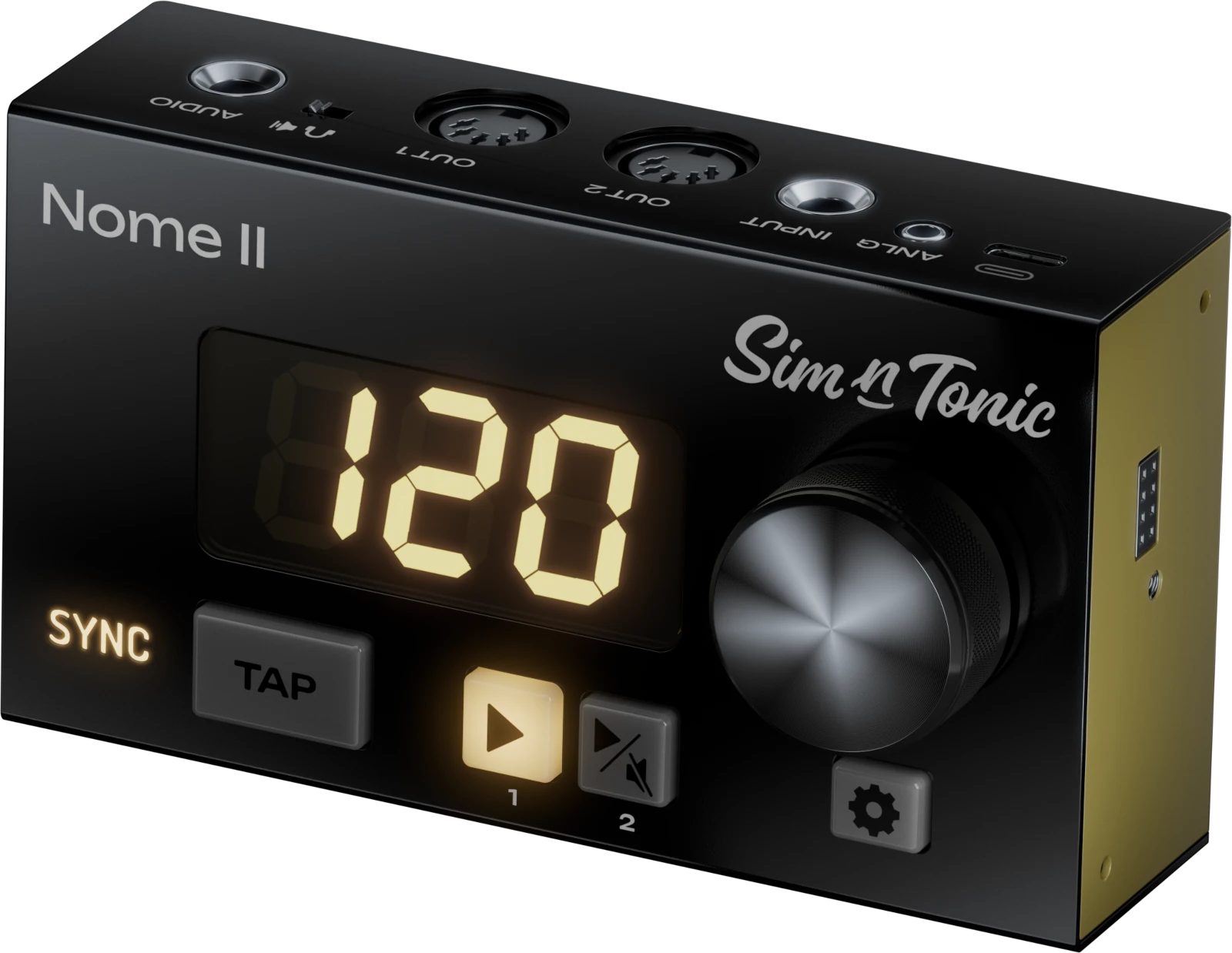
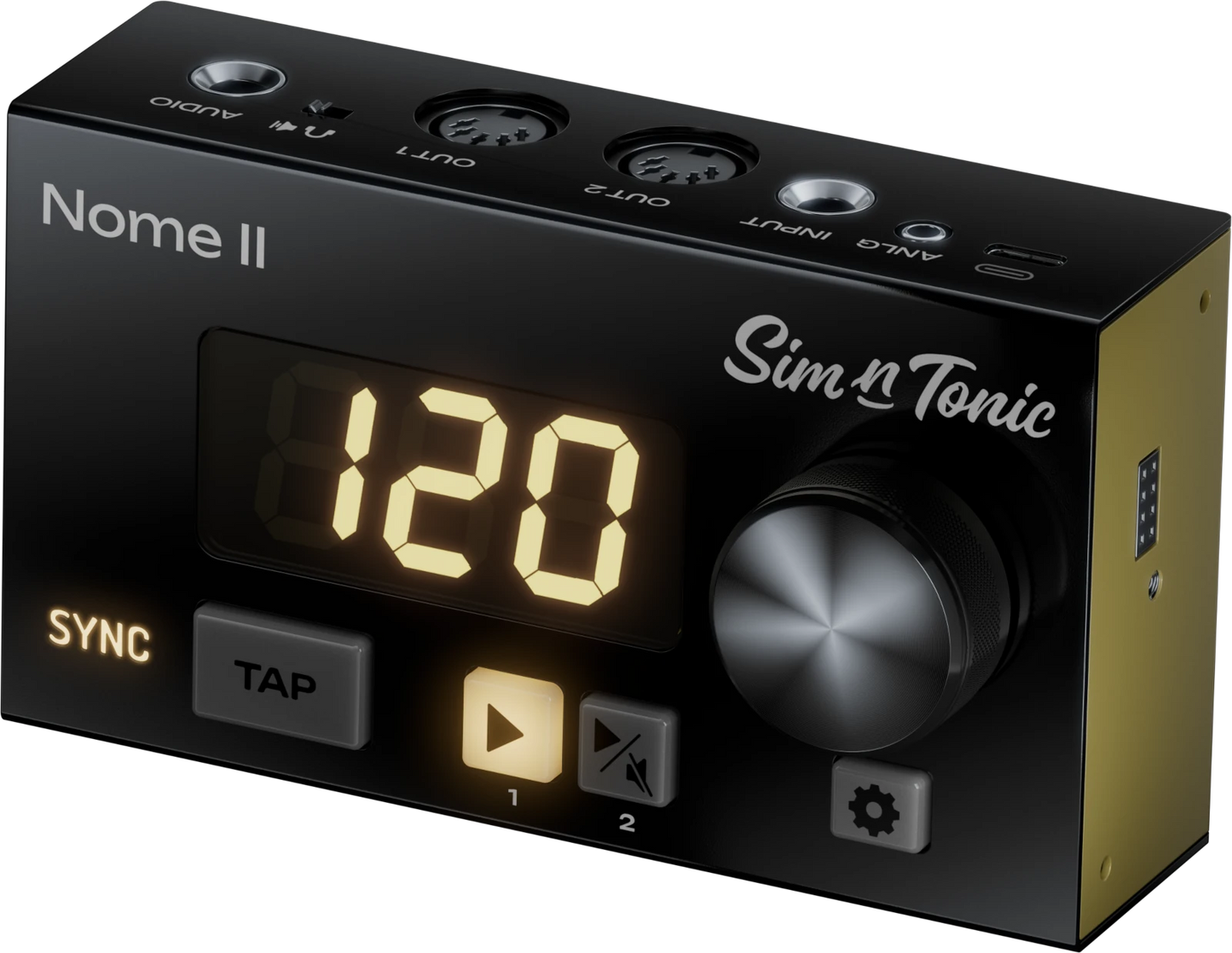
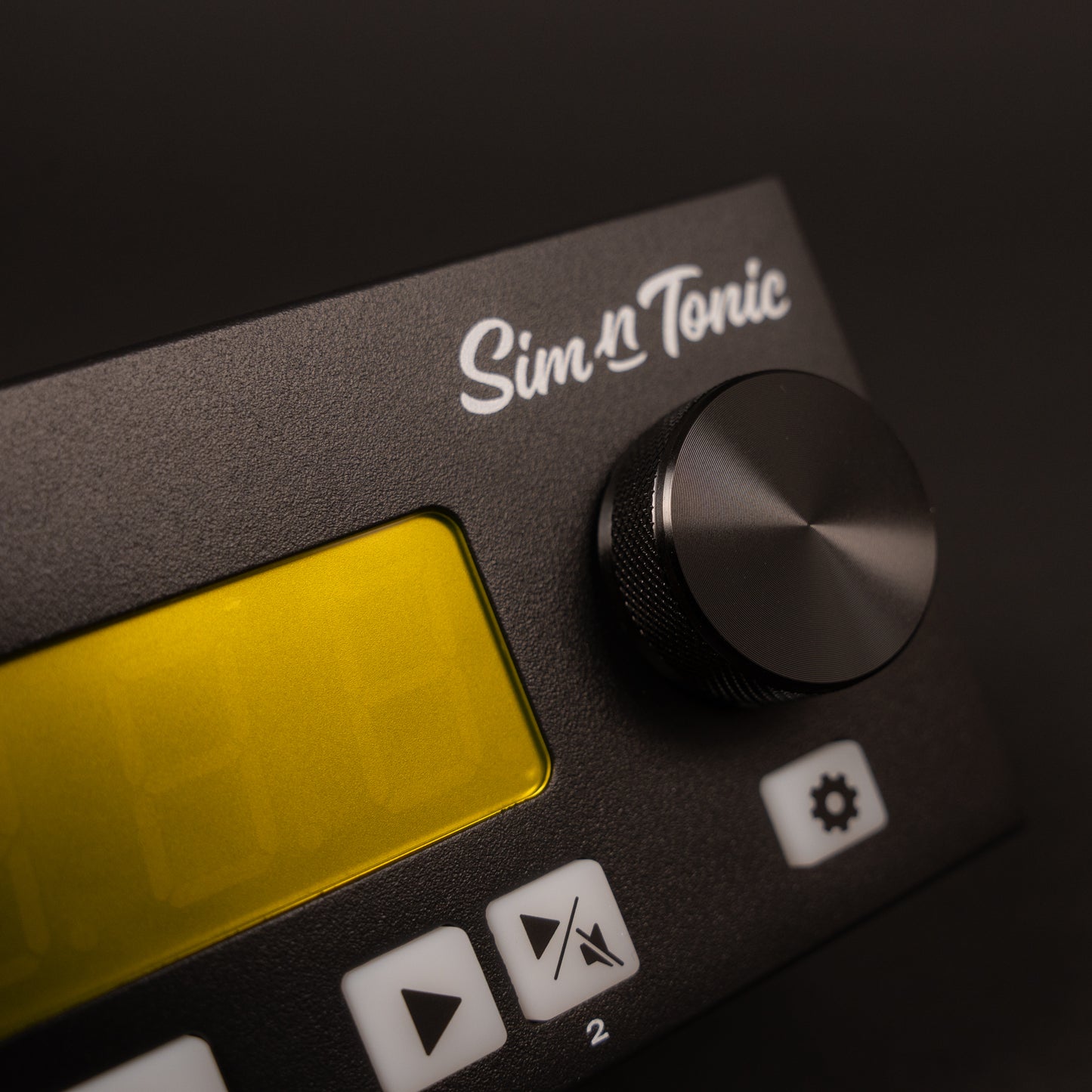
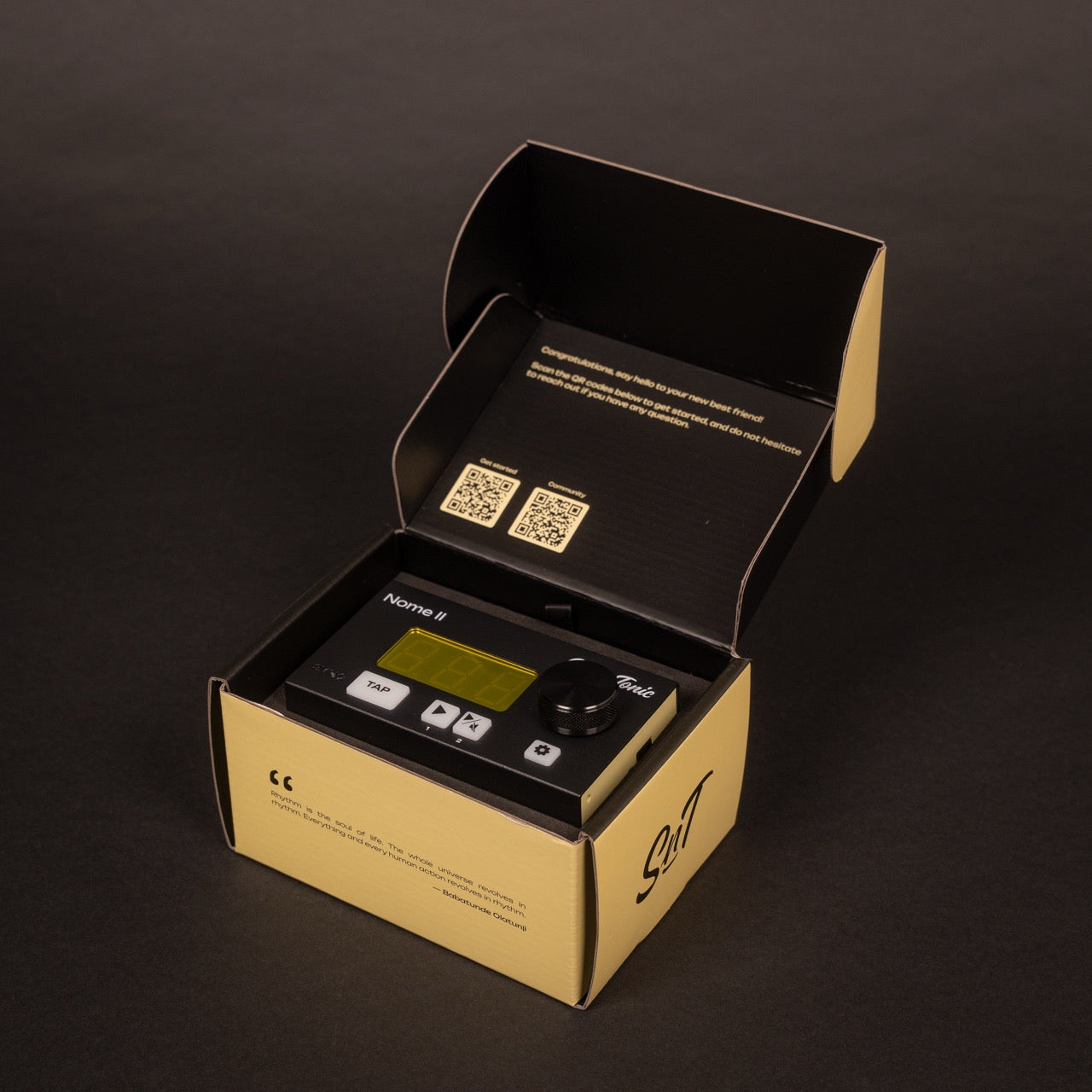
Nome II
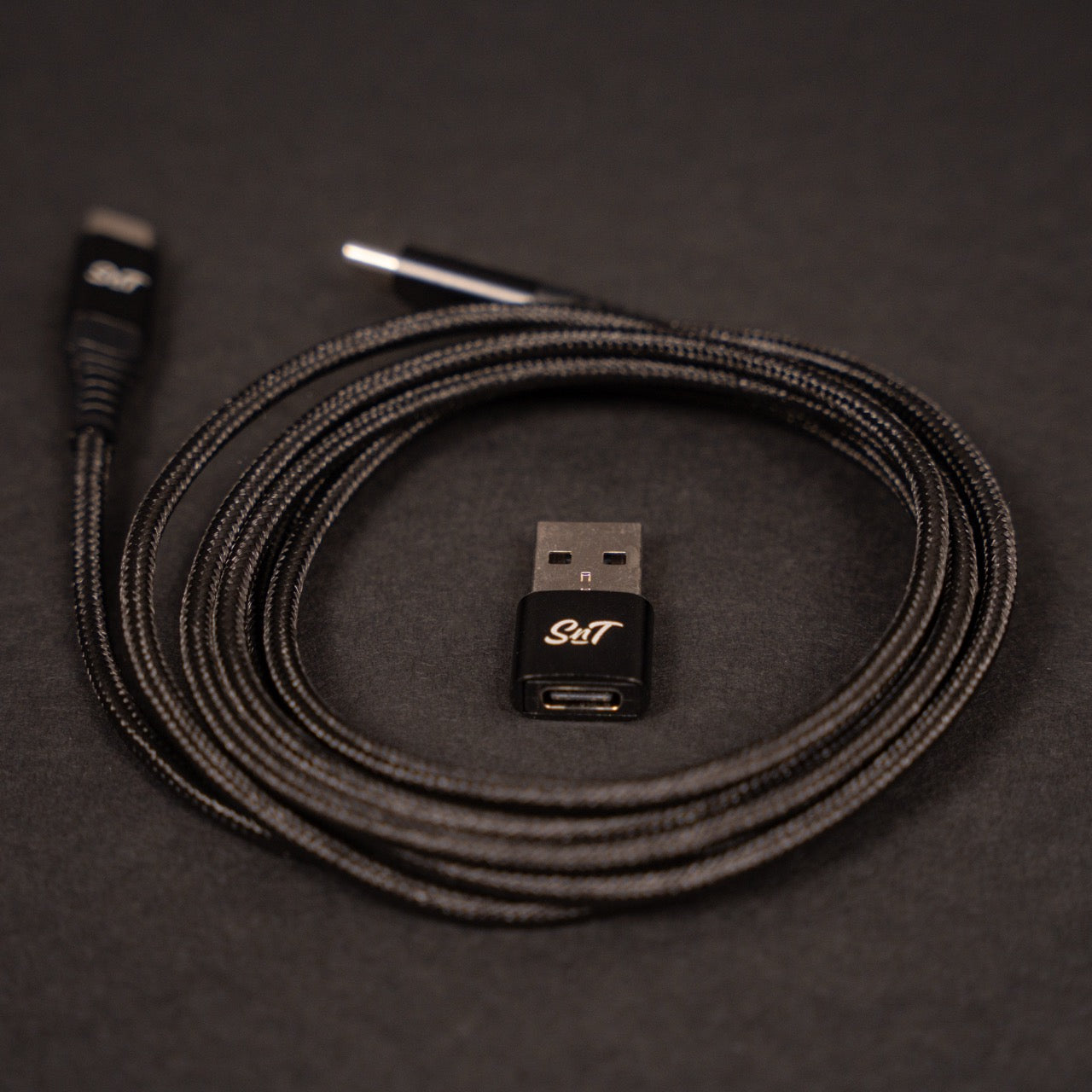
Everything you need to know about U-SYNC
FAQ
Is U-SYNC included in Nome II?
U-SYNC is free for every Nome II owner.
To use U-SYNC in your DAW you need to install it on your computer and update your Nome II to the latest firmware.
What are the minimum system requirements for U-SYNC?
U-SYNC supports:
- MacOS Tahoe and Golden Gate
- Windows 11
- DAWs: latest version at the time of U-SYNC's release
Does U-SYNC work on Windows?
Yes. U-SYNC runs on Windows and macOS, since version 2.0.
Which DAWs does U-SYNC support?
Ableton Live, Bitwig Studio, Cubase, Nuendo, FL Studio, Logic Pro, Reaper, Reason, Pro Tools, Studio Pro and Luna. The U-SYNC manual always has the current list.
Which DAWs have bi-directional control?
With bi-directional control, both the DAW and the Nome can set the tempo. It works in Ableton Live, Bitwig Studio, Cubase, Nuendo, FL Studio, Logic Pro, Reaper and Reason. In Pro Tools, Studio Pro and Luna, the DAW sets the tempo and the Nome follows.
Do I need a spare audio output to sync my hardware?
No. U-SYNC runs over the USB cable between the Nome and your computer. You only need an audio interface to record your hardware's sound.
Is U-SYNC 2.0 compatible with Nome I (Midronome)?
Yes, U-SYNC 2.0 is fully compatible Nome I (aka Midronome).
Which hardware works with U-SYNC?
U-SYNC connects to Nome II, Nome I and Reliq. Any gear that follows MIDI clock, DIN Sync or analog clock can then follow the Nome, such as an Akai MPC, a Roland TR-606 or a Eurorack case.
Why did the SnT icon disappear after upgrading to U-SYNC 2.0?
Previously, U-SYNC was based on a Daemon, a software which runs in the background. It showed as a little SnT icon at the top right of macOS.
Since the release of U-SYNC 2.0, the Daemon is not necessary and has been removed.
Do I have to set the latency every session?
No. Measure it once with the plugin's auto-detect, save it as a preset, and load the preset in new sessions. It only changes if your setup changes.
Can U-SYNC send MIDI notes?
No. U-SYNC 2.0 carries clock and transport only: tempo, play and stop.
Why is a DAW's MIDI clock less steady than the Nome's?
The DAW generates its MIDI clock in software and sends it through a MIDI driver and interface, so the ticks don't leave at perfectly even intervals. In Sim'n Tonic's tests, a Nome II following the DAW over U-SYNC had median RMS jitter under 0.05 µs, around 20,000× lower than the DAW's own MIDI clock.
Median RMS jitter across 15 DAWs on Mac and Windows, against the DAW's MIDI clock through a USB audio interface.
Blog posts
View all-

How to Sync Hardware with Your DAW Using Nome I...
How to sync your drum machines, synths and sequencers to your DAW with a Nome II and U-SYNC, on Mac or Windows, and set the recording latency once so every...
How to Sync Hardware with Your DAW Using Nome I...
How to sync your drum machines, synths and sequencers to your DAW with a Nome II and U-SYNC, on Mac or Windows, and set the recording latency once so every...
-

How much does U-SYNC 2.0 reduce your DAW’s MIDI...
Median RMS jitter under 0.05 µs, around 20,000× lower than your DAW's own MIDI clock. Median RMS jitter across 15 U-SYNC tests on Mac and Windows, against the DAW's MIDI...
How much does U-SYNC 2.0 reduce your DAW’s MIDI...
Median RMS jitter under 0.05 µs, around 20,000× lower than your DAW's own MIDI clock. Median RMS jitter across 15 U-SYNC tests on Mac and Windows, against the DAW's MIDI...
-
![U-SYNC – Revolutionizing DAW sync [2026 Update]](//simntonic.com/cdn/shop/articles/u-sync-2-now-on-windows.jpg?v=1792158947&width=533)
U-SYNC – Revolutionizing DAW sync [2026 Update]
Sim'n Tonic is thrilled to unveil U-SYNC, a breakthrough technology designed to seamlessly synchronize digital audio workstations (DAWs) with hardware devices. Integrated into the Midronome and Nome II models, U-SYNC allows...
U-SYNC – Revolutionizing DAW sync [2026 Update]
Sim'n Tonic is thrilled to unveil U-SYNC, a breakthrough technology designed to seamlessly synchronize digital audio workstations (DAWs) with hardware devices. Integrated into the Midronome and Nome II models, U-SYNC allows...


![U-SYNC – Revolutionizing DAW sync [2026 Update]](http://simntonic.com/cdn/shop/articles/u-sync-2-now-on-windows.jpg?v=1792158947&width=533)